
Shopping and wallet views
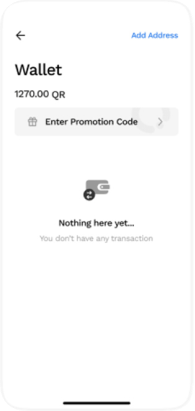
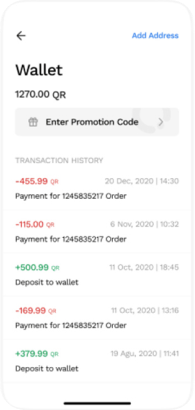
I kept the wallet as its own surface, separate from the shopping screens, so balance and transactions stay apart from browsing.
Commerce and wallet interface | Shipped product
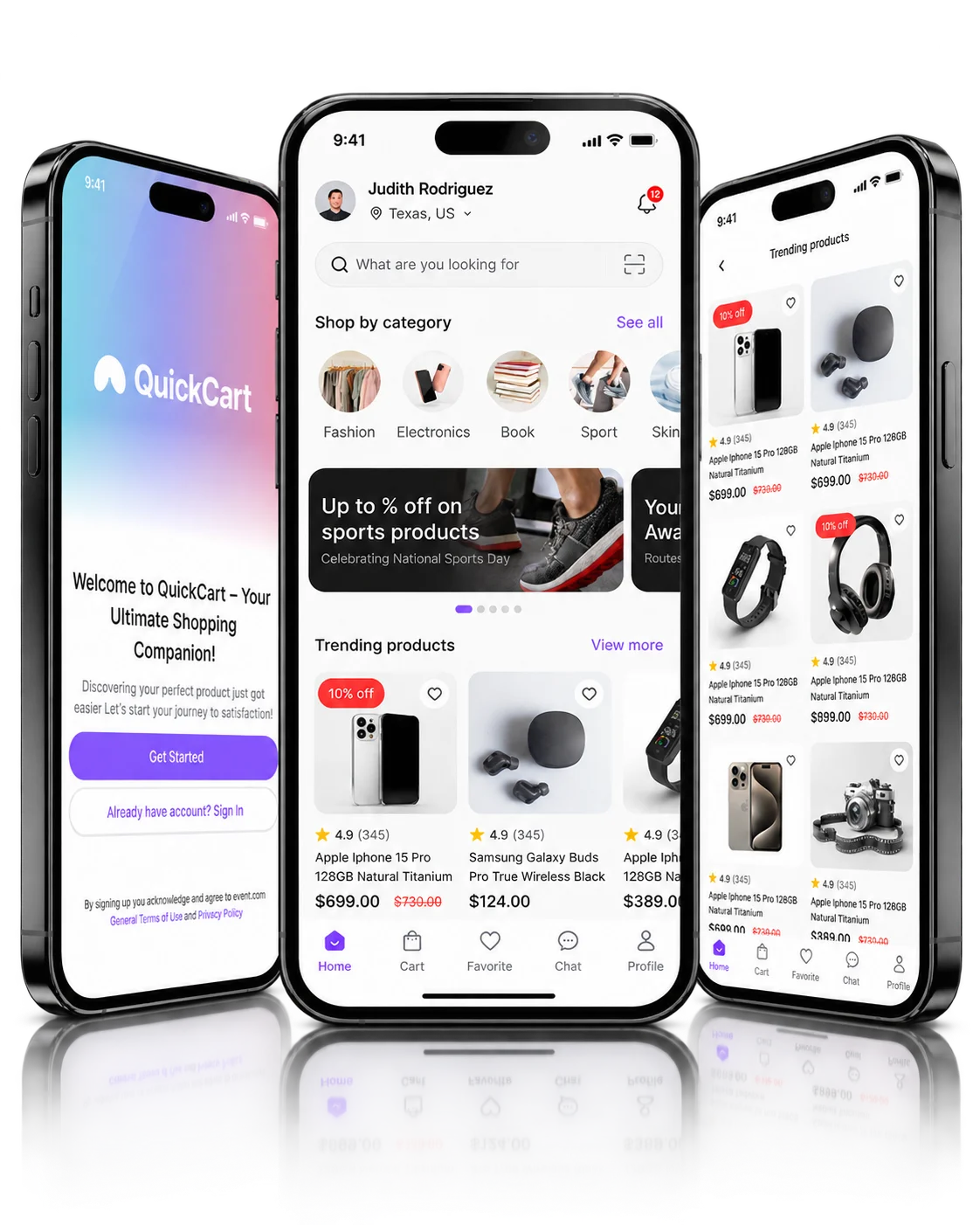
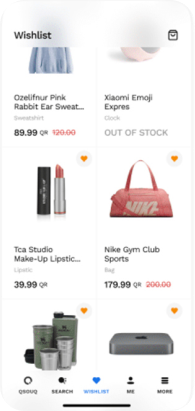
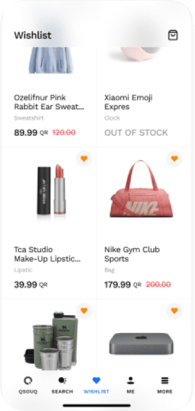
I designed the path from discovery to checkout: product options, search suggestions and a wishlist, alongside a wallet with empty and history states and account entry.
PROJECT AT A GLANCE
KEY DESIGN DECISIONS
Three decisions shape how shopping and the wallet sit together in the app.
I kept the wallet as its own surface, separate from the shopping screens, so balance and transactions stay apart from browsing.
When the wallet is empty, the balance and promotion-code entry stay in place; only the message changes.
Once there is activity, dated transaction records fill the same history area the empty message occupied.
Each of these decisions shipped in QuickCart.
How should the wallet behave before and after its first transaction, and how do people make product choices along the way?
The product covers these interface areas:
How the shipped screens connect.
Key structures in the shipped product:
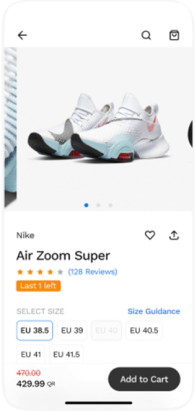
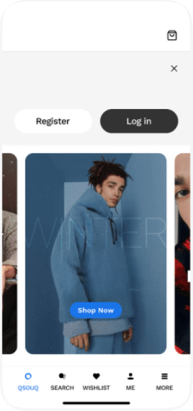
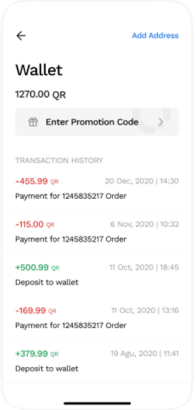
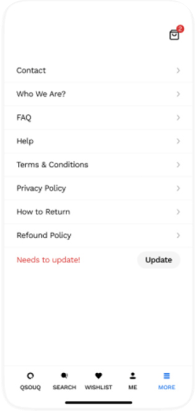
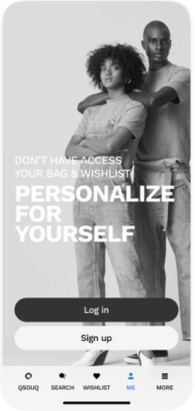
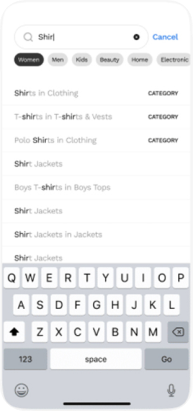
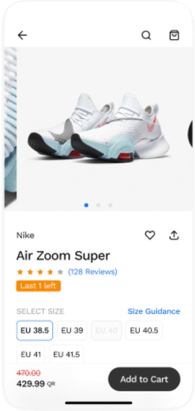
Product details with imagery, size selection, pricing and add to cart. Values shown are sample data.
01 / 09FROM THE PROJECT FILES
Screens from the shipped product. Values shown are sample data.
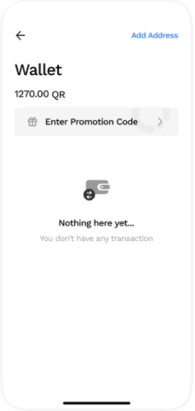
Looking back, I’d design explicit feedback for promotion-code entry. Neither wallet state shows how a code is validated, and that confirmation deserves its own state.