
Ordering stages
The flow covers both entry before payment and order status after it.
Grocery ordering | Shipped product
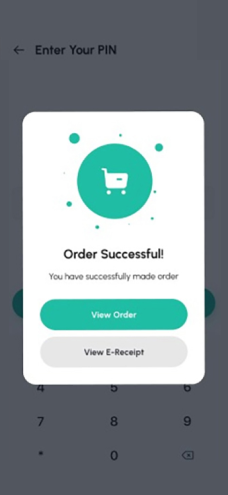
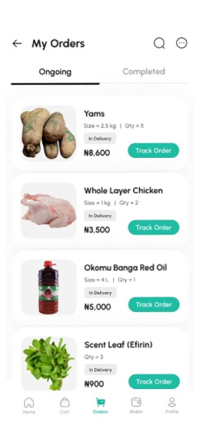
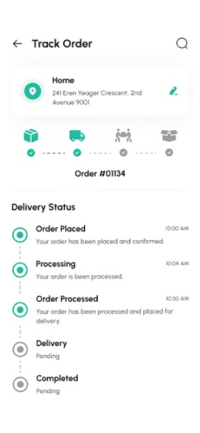
I designed the grocery ordering flow, from cart review, checkout and payment choice to order confirmation and delivery tracking.
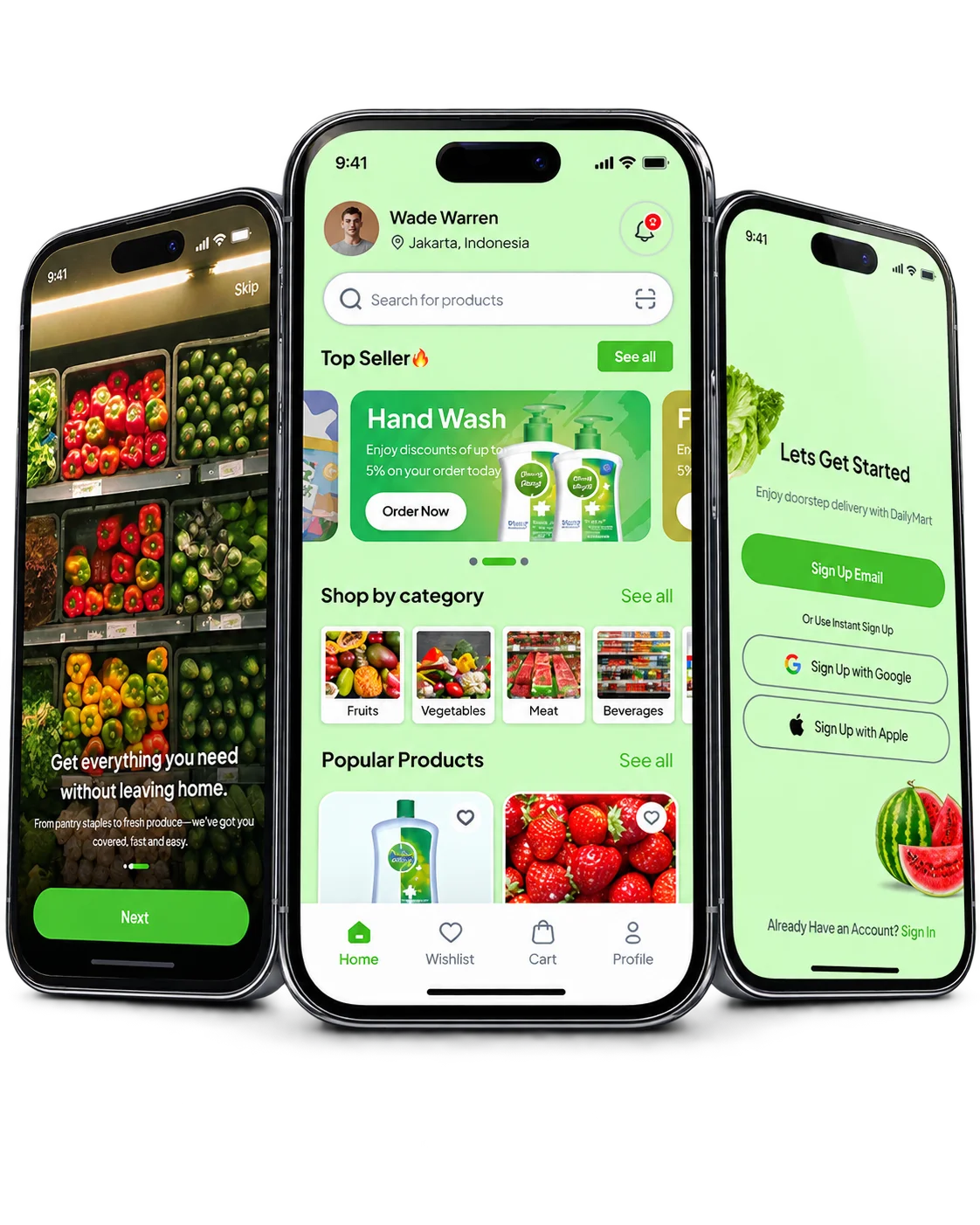
PROJECT AT A GLANCE
KEY DESIGN DECISIONS
How I structured an order from cart to delivery.
The flow covers both entry before payment and order status after it.
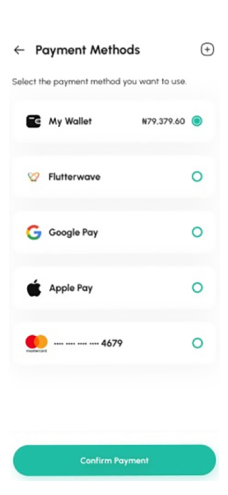
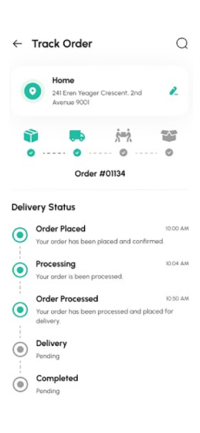
I gave address, payment and delivery progress their own screens, so each decision is made in one place.
The tracking timeline describes order state with discrete, named stages.
Each of these decisions shipped in DailyMart.
Which order details remain visible between cart review, payment and tracking?
I designed these areas of the product:
How the shipped screens connect.
Key structures in the shipped product:
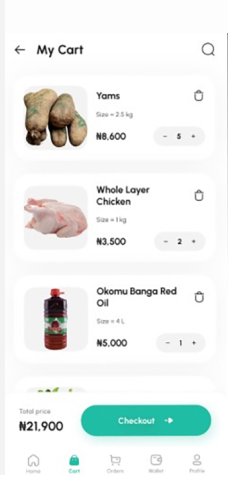
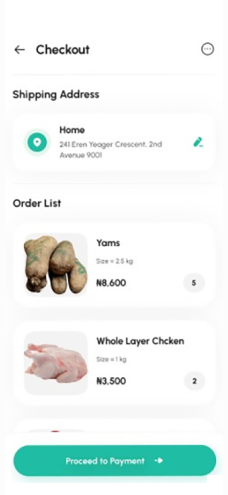
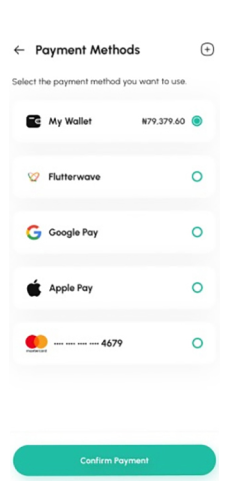
Cart review with item quantities, prices and the checkout action.
01 / 06FROM THE PROJECT FILES
Screens from the shipped product. Values shown are sample data.
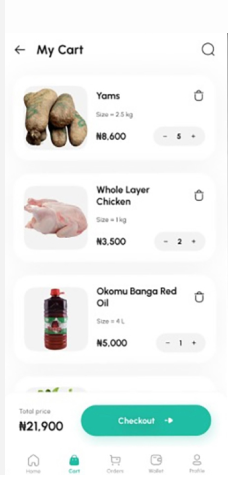
Looking back, I’d keep the order total pinned in view and make it update in place whenever the address or payment choice changes.